Skip to page footer
Personal
Submenu for "Personal"
Cards
Virtual Card
Physical Card
Money Transfer
Card to Card
Card to Account
(current)
Account to Account
Account to Card
Card Security
App
Business Solutions
Partner
Network
Login
Submenu for "Login"
NassPay VISA App
English
English
العربية
کوردی
Card to Account Balance Transfer
Transfer money seamlessly in a flash.
How to Transfer Money from My Own Cards to Accounts
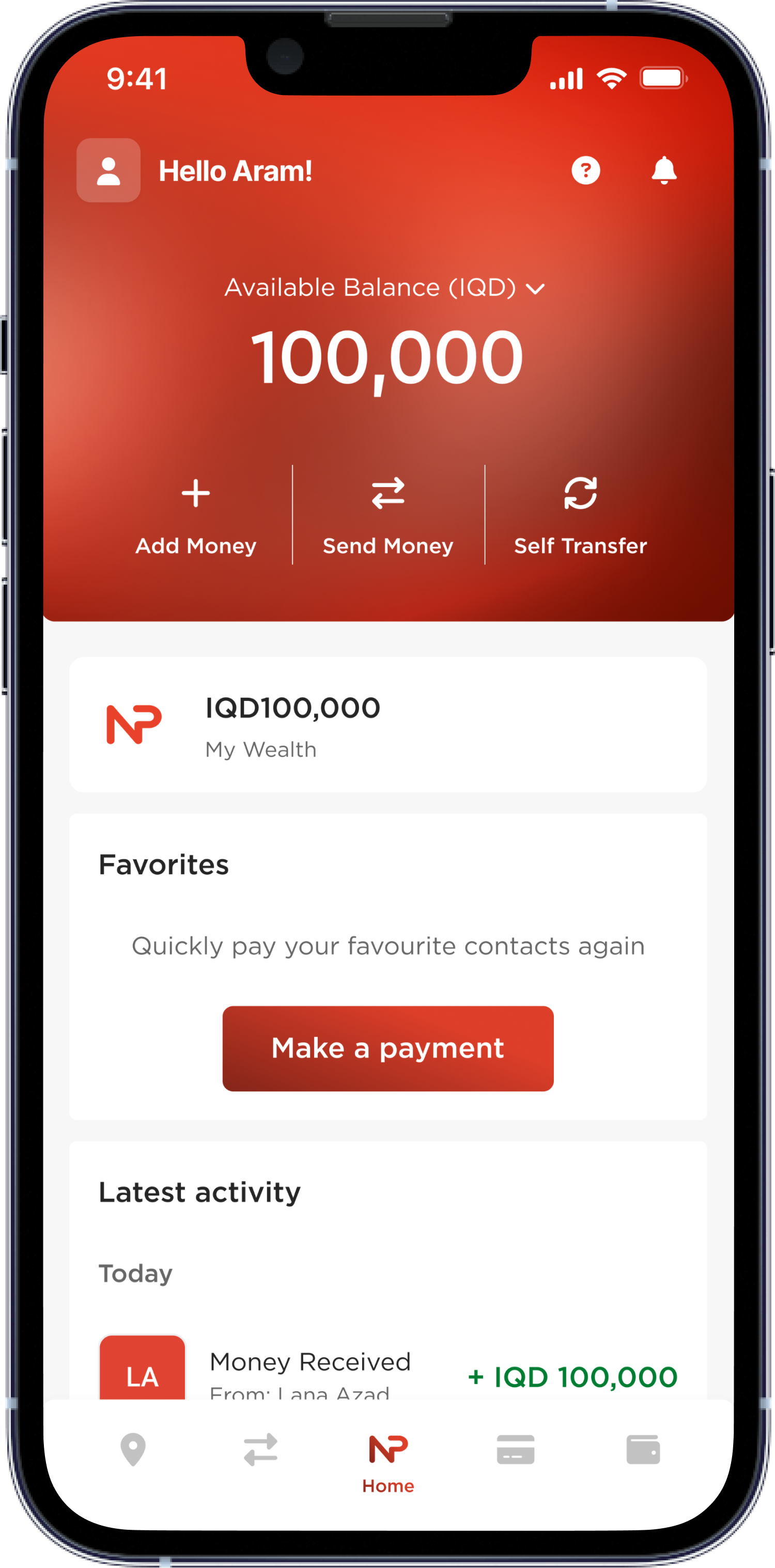
Start by tapping on “Self Transfer”
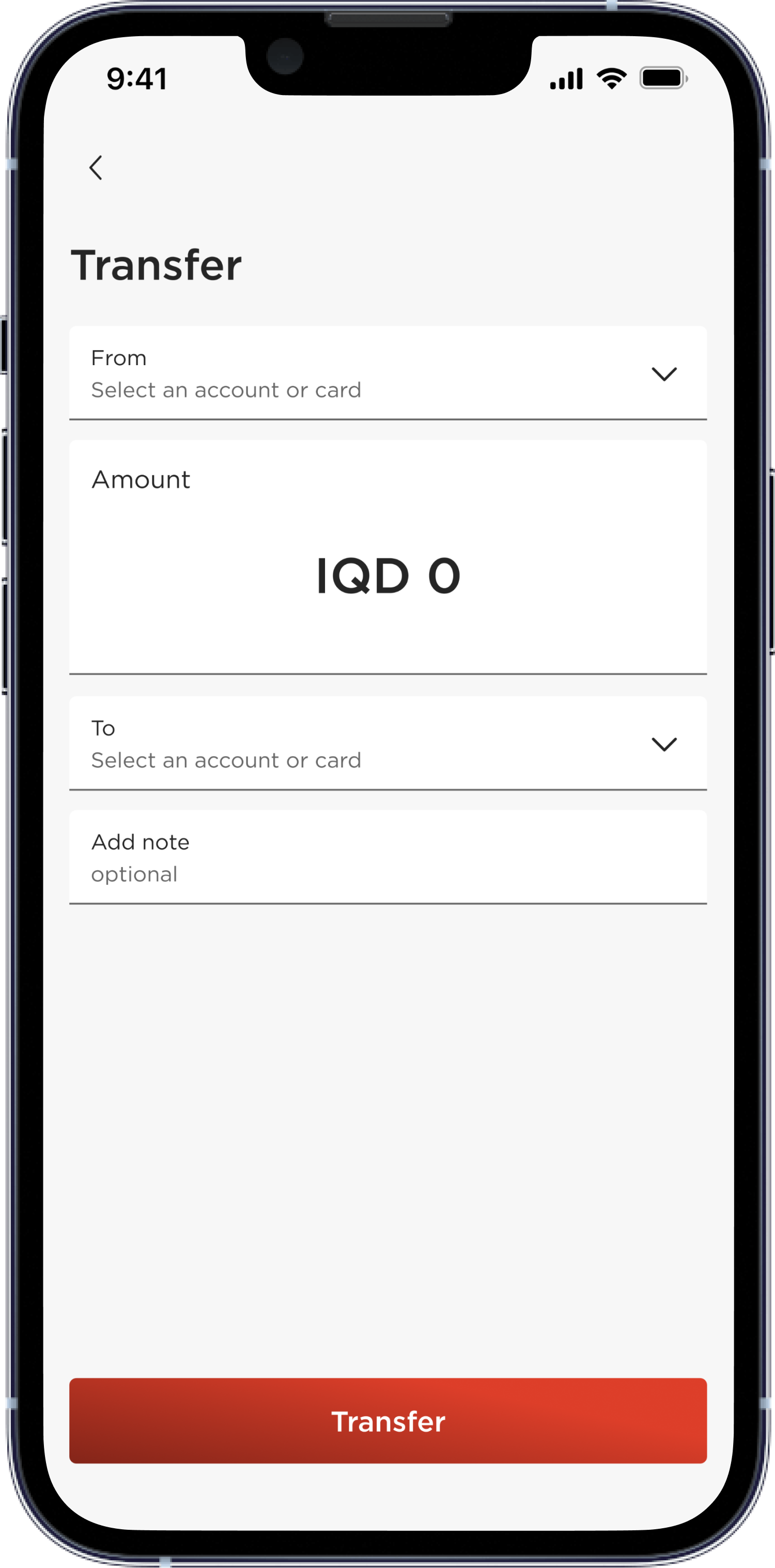
Tap on the first field titled as “From”
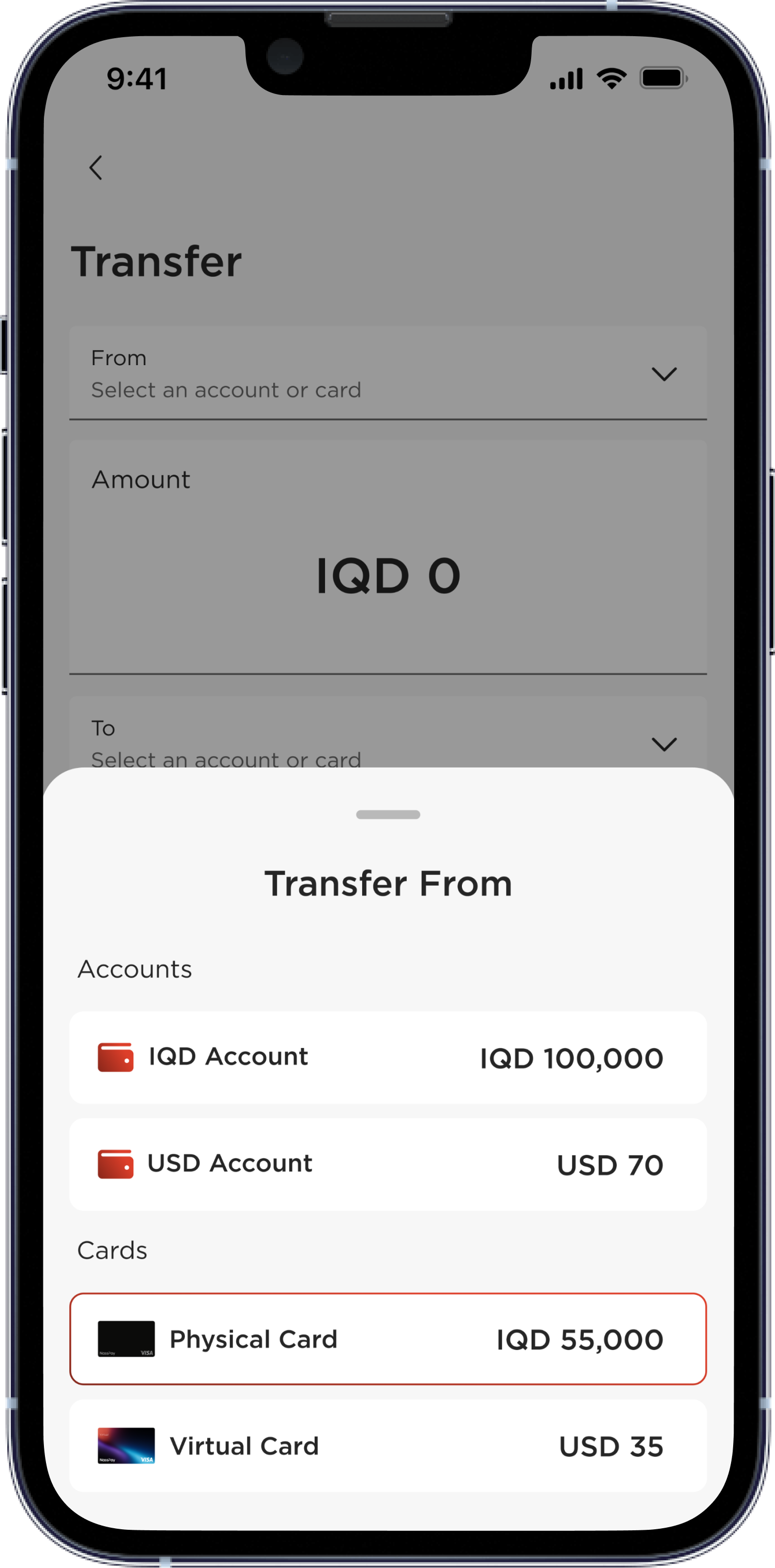
Select the card to transfer from
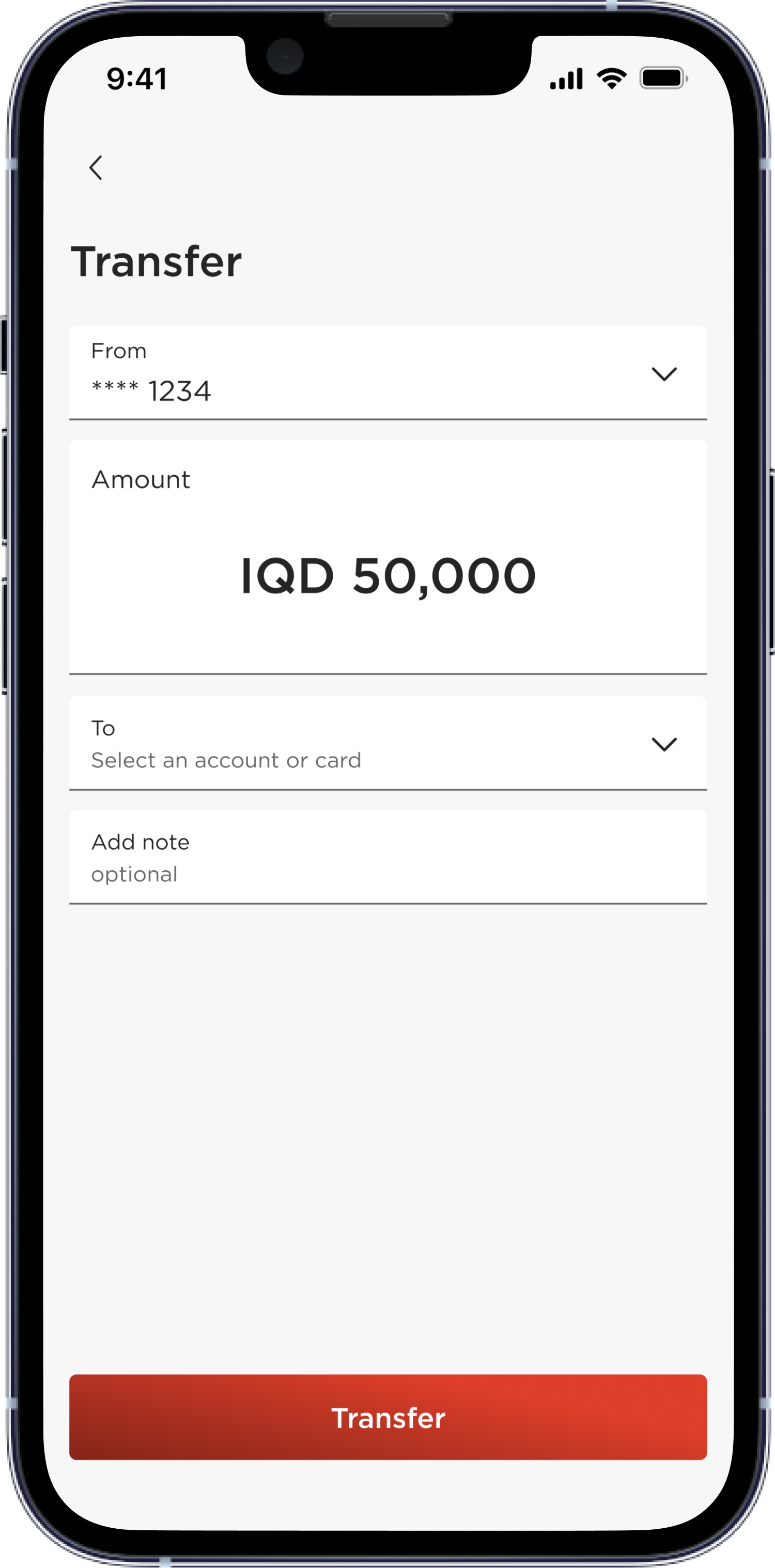
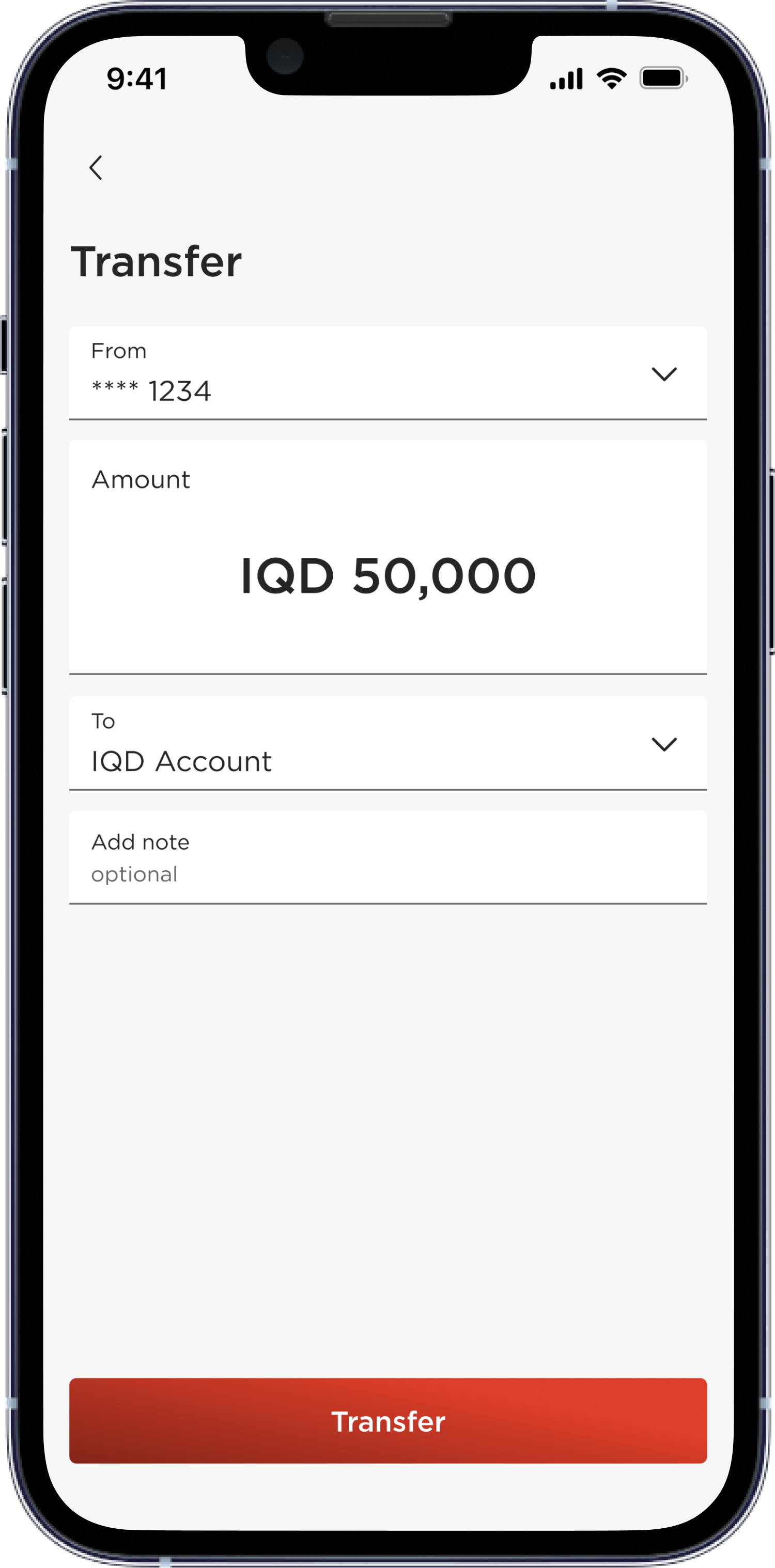
Type the amount to transfer
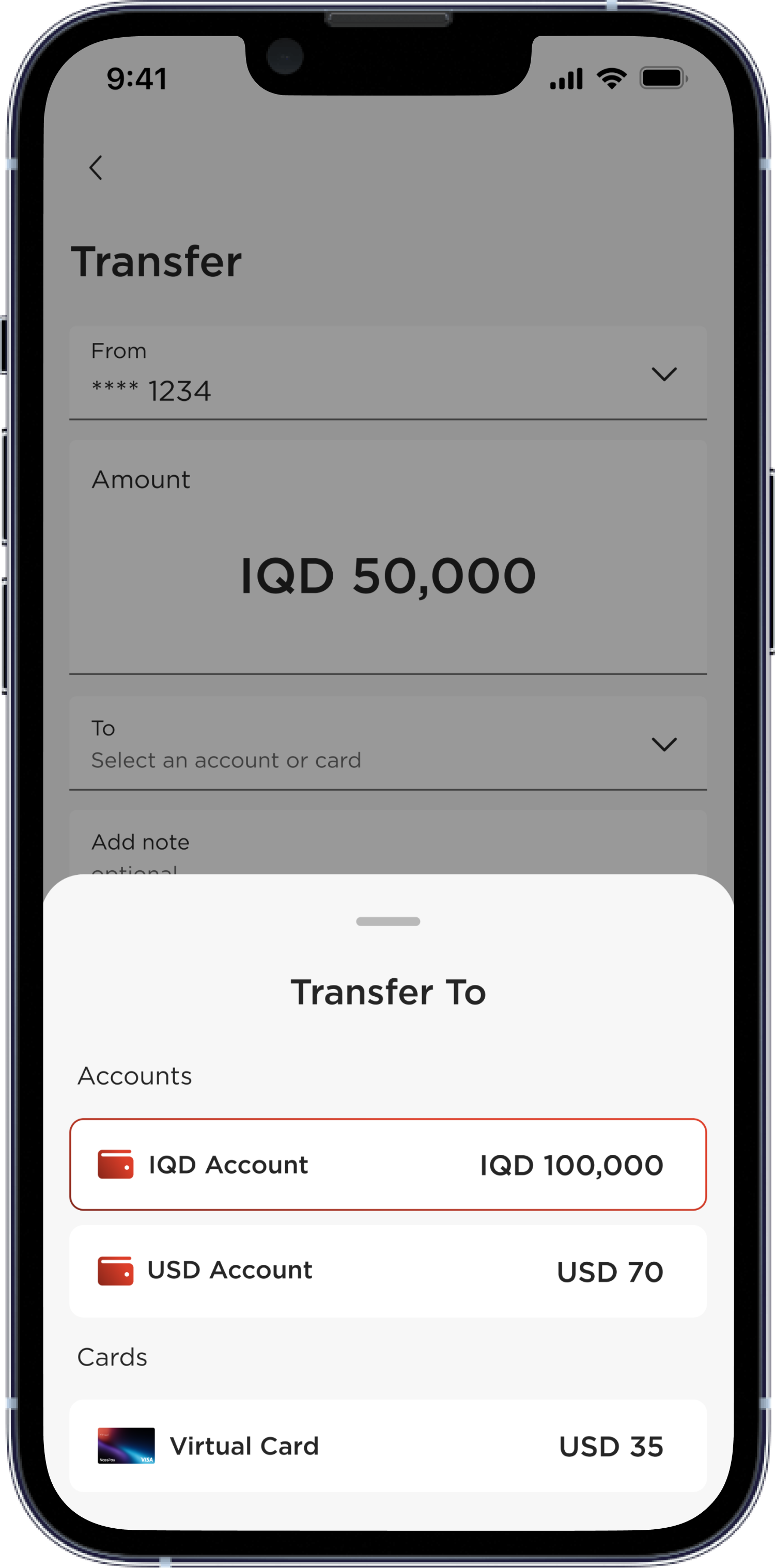
Choose the account to transfer to
Add notes if necessary and tap on “Transfer”
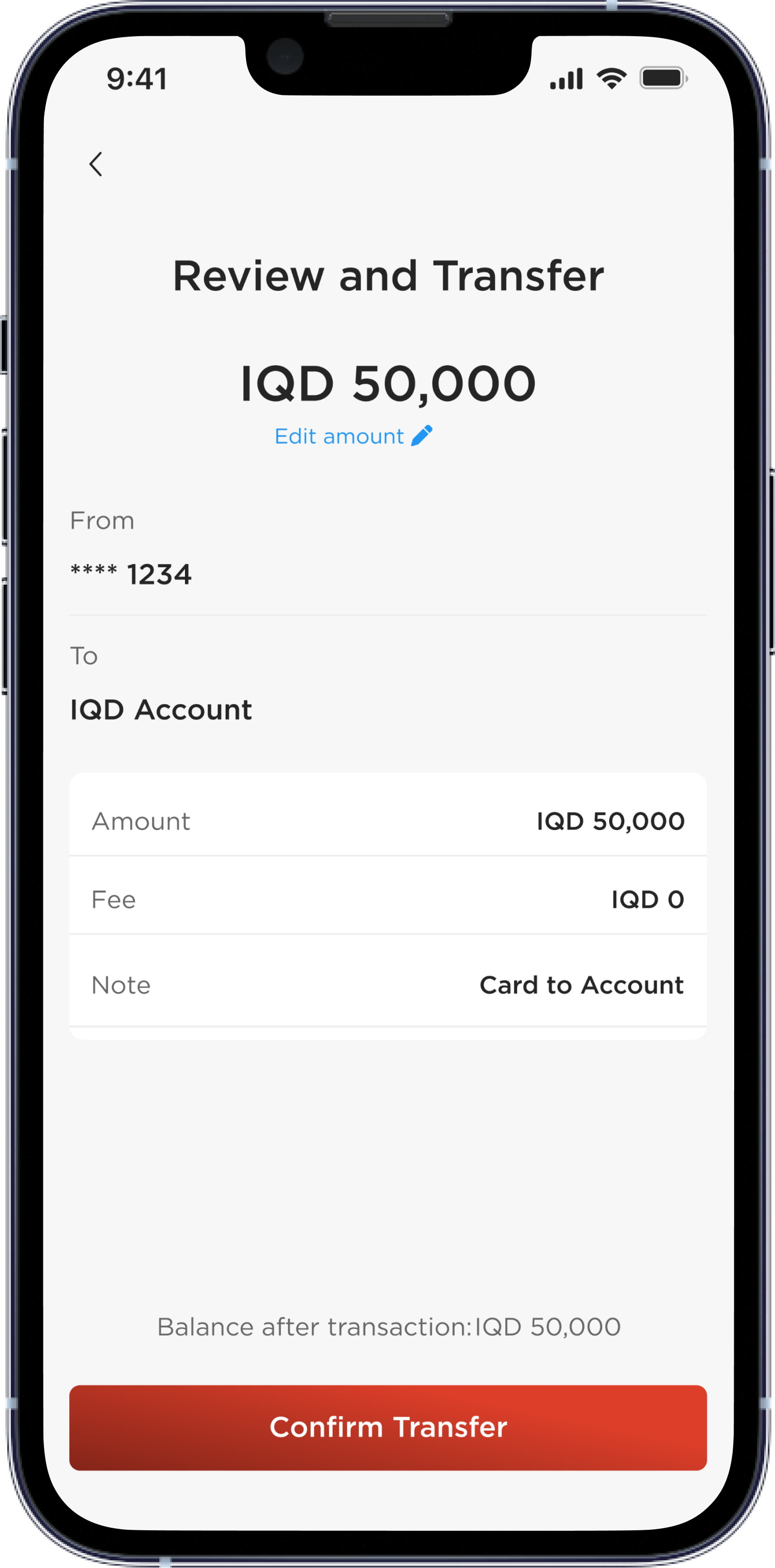
Review your transfer and tap on “Confirm Transfer”
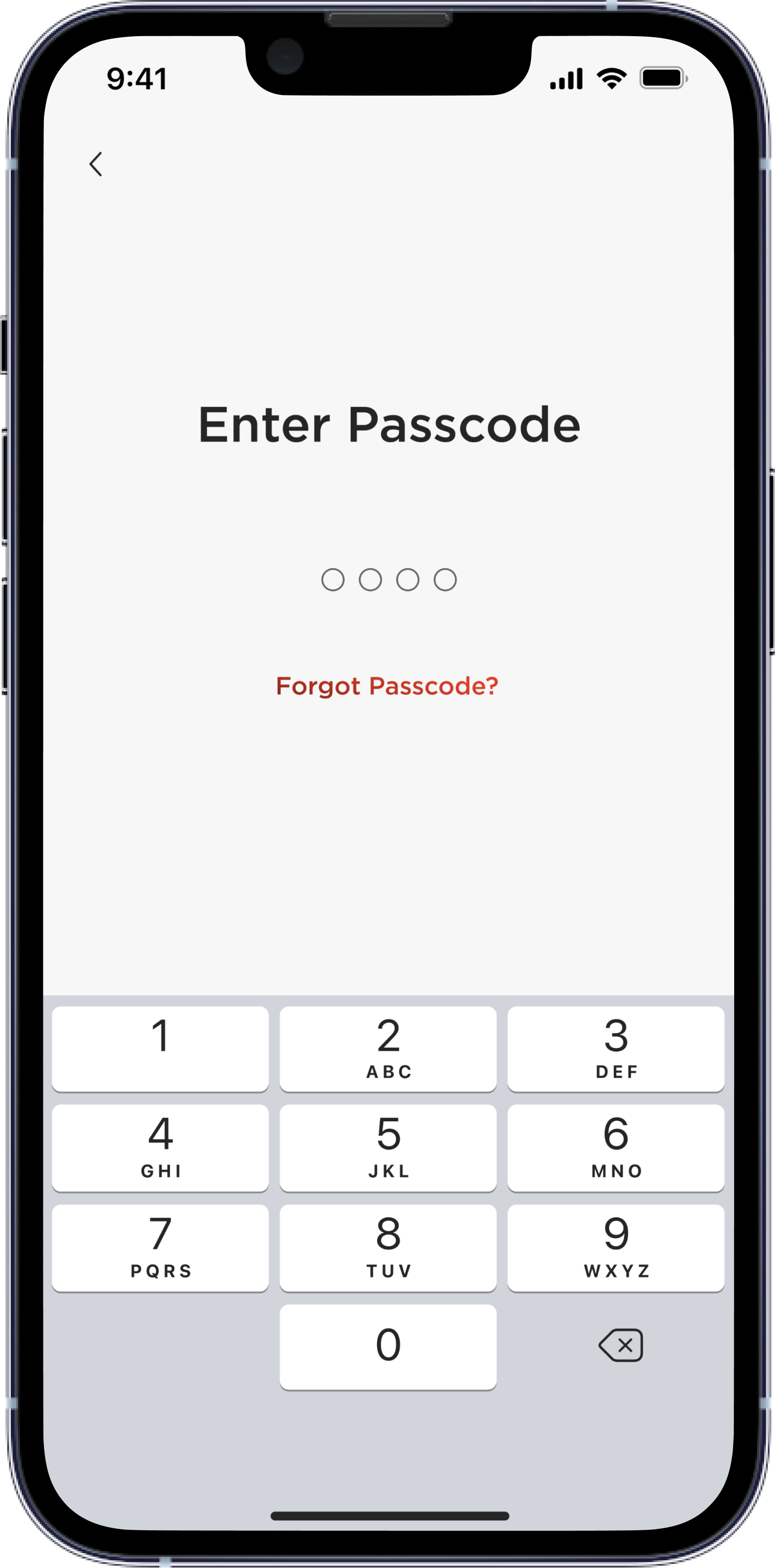
Enter your passcode
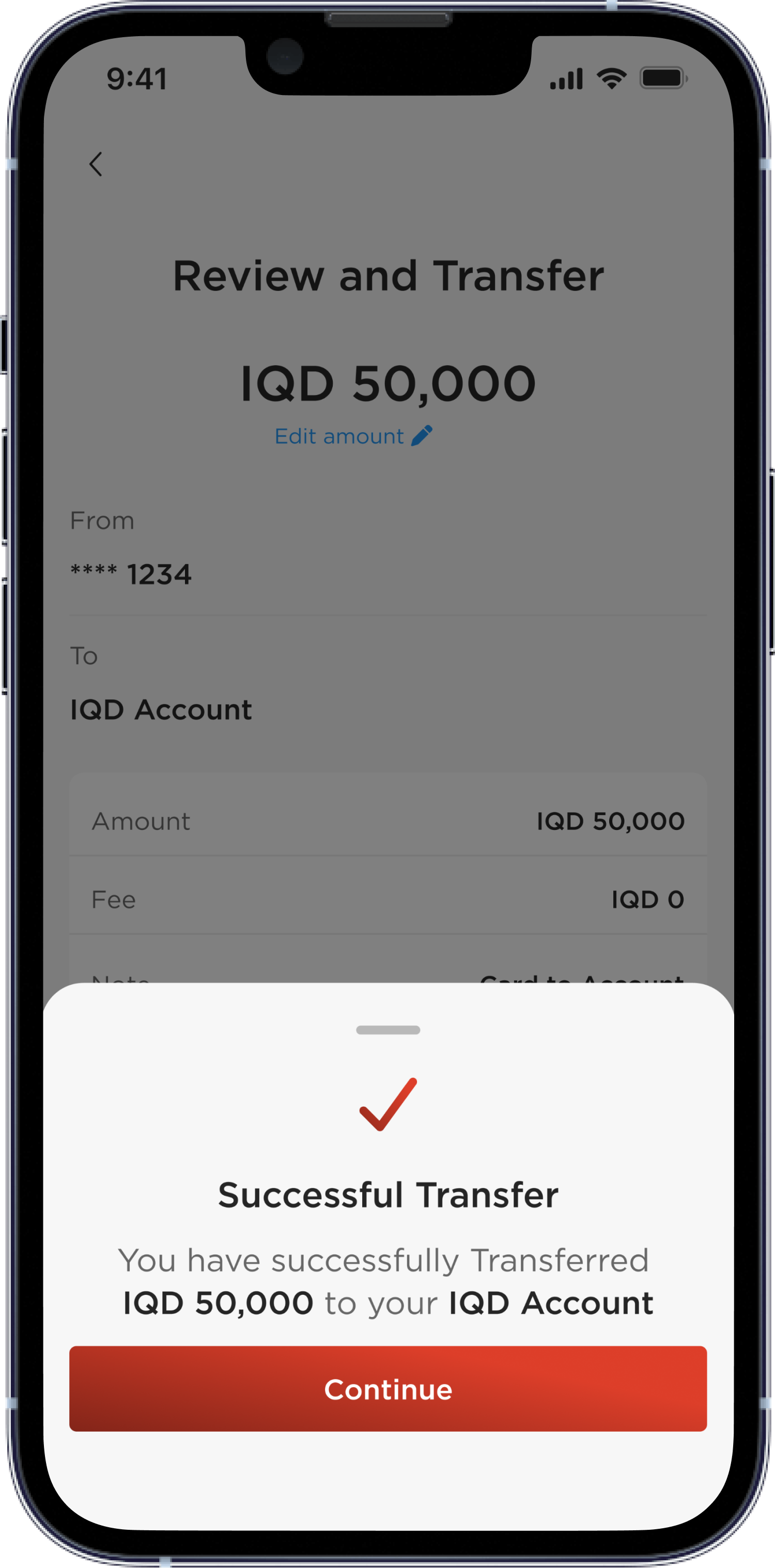
You have successfully transferred money